
Year 11 Prom
View the full set of photos on our school Google Drive here.
To download images from the drive please follow these instructions:
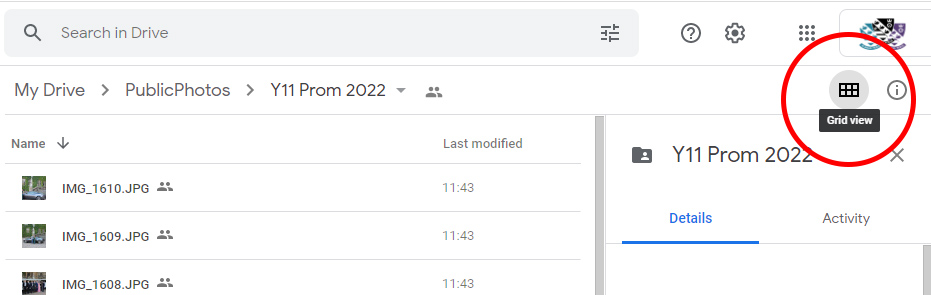
1. In the Google Drive window click to view the photos in grid view so you see a full preview of each shot:
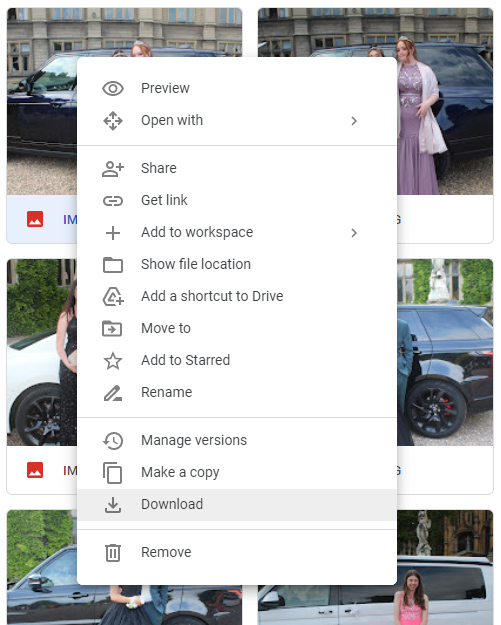
2. Once you have found the photo you wish to download simply right-click on the photo and select "Download":
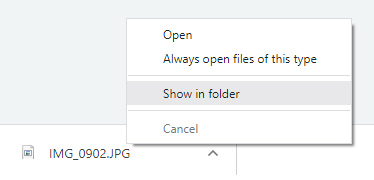
3. The image will download - right-click at the bottom of the browser window and select "show in Folder" to view where your photos have been downloaded on your device:
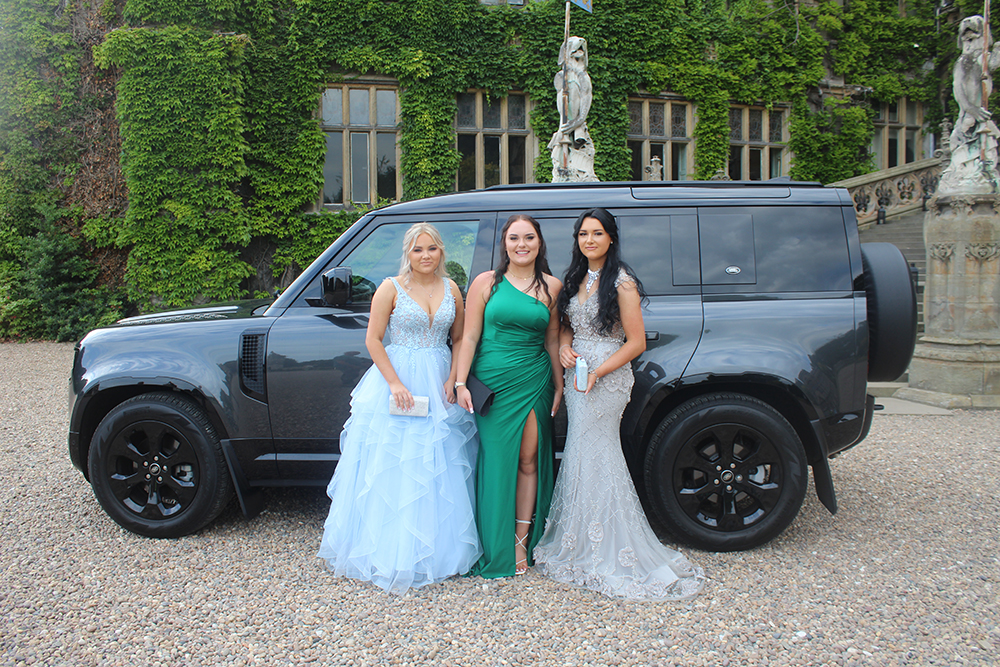
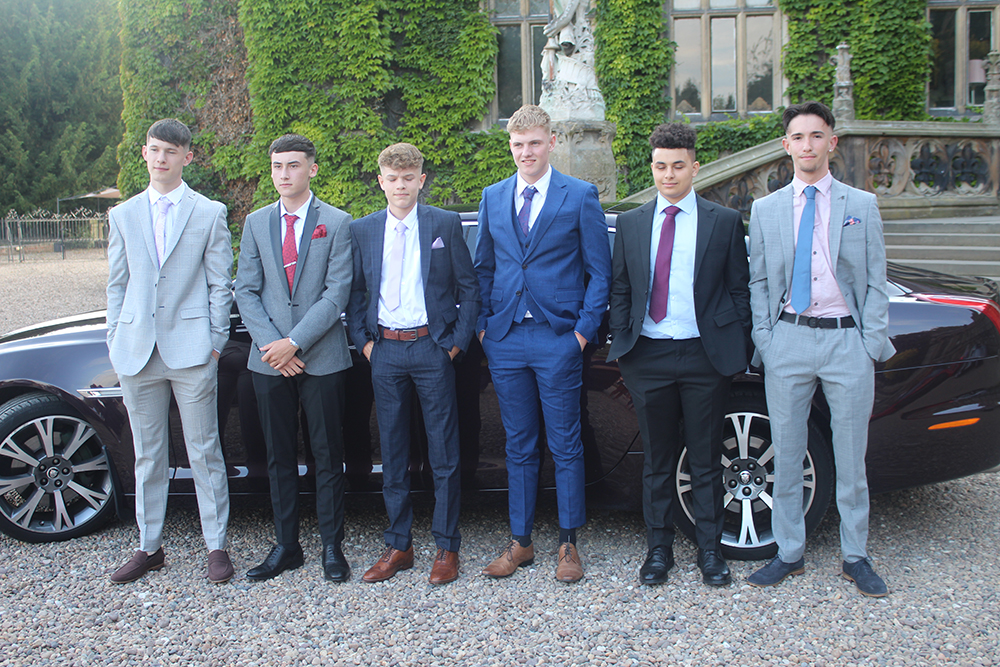
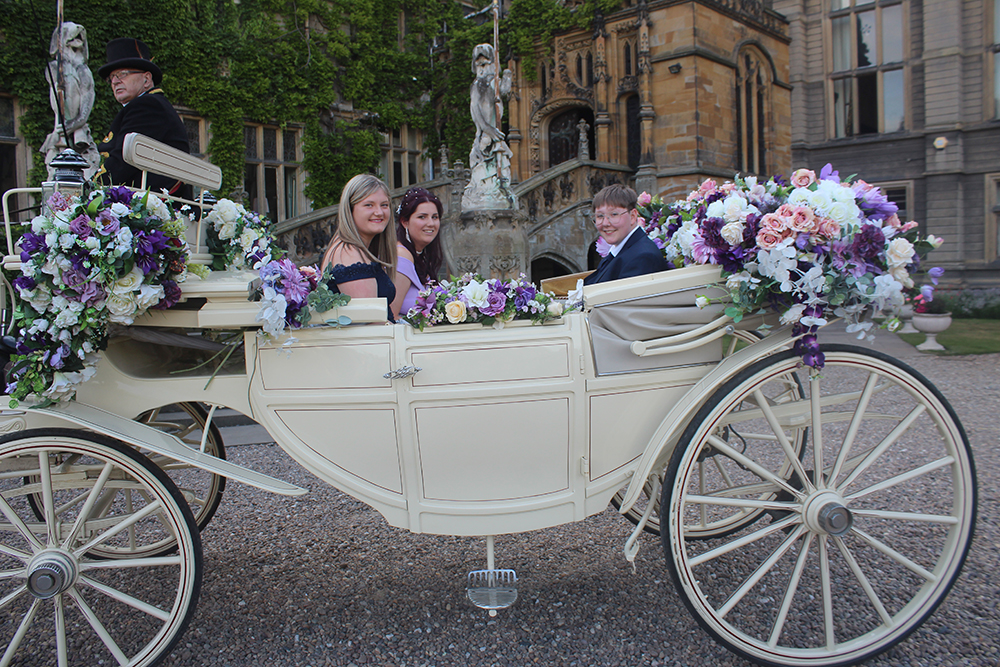
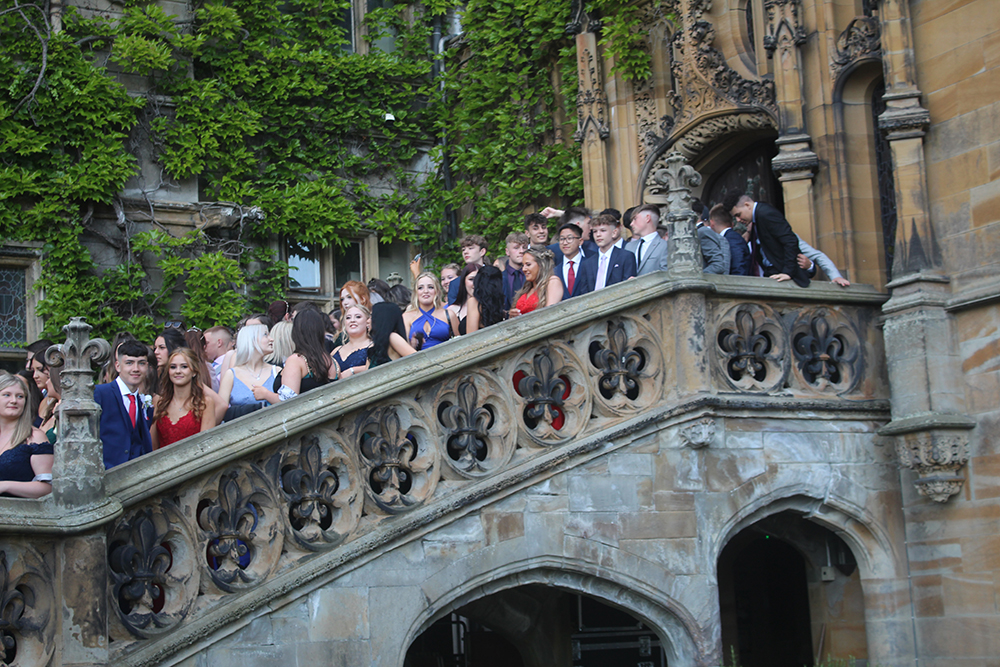
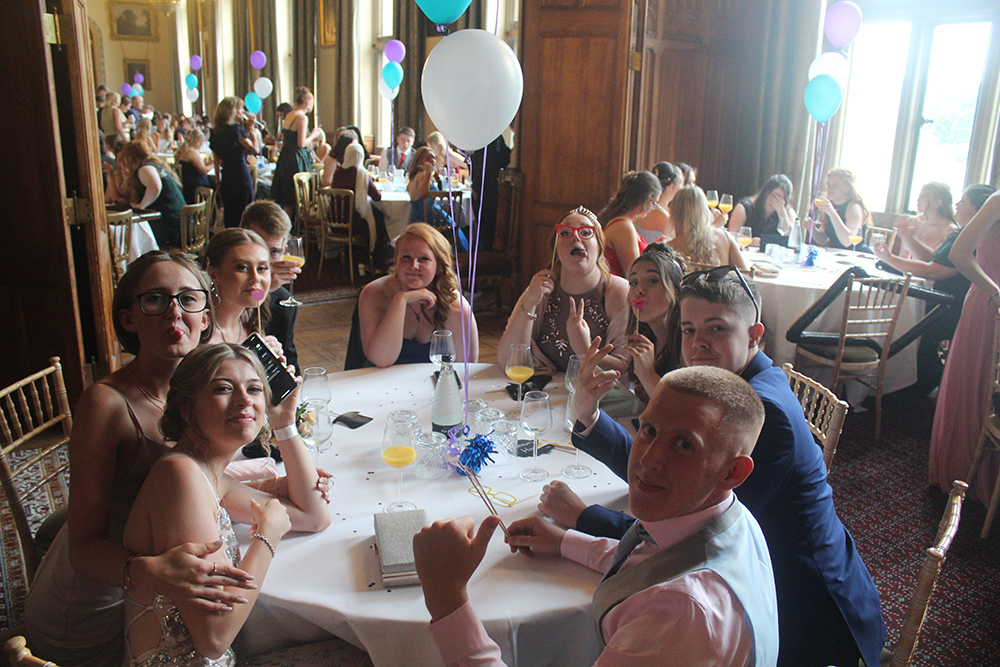
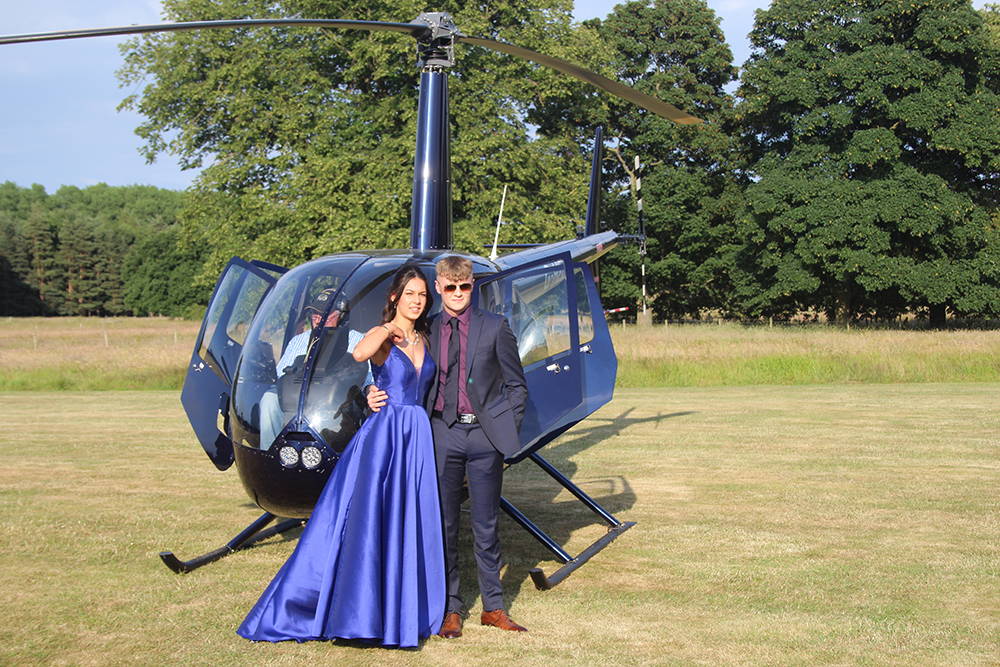
Below you'll find a small range of the shots from our Year 11 prom.
 |
 |
 |
 |
 |
 |